Guest Post: The Deaf Use the Phone?

UPDATED: March 29, 2016 Title has been renamed to reflect the original submission.

I received a submission of a guest post from Jason from Montana, edited by your humble curator kinda out of the blue. I did a pretty brief post on TTY a couple weekends ago and was surprised that I’d get a response, and got more insight to the TDD use of TTY. I’ve been meaning to post this subject for a while. Anyways the rest of the post is from him.

—

Yup, it’s true, the deaf can use the phone. And ironically, they’ve been able to for many years.  The Telecommunications Act of 1982 “allows states to require carriers to continue providing subsidies for specialized equipment needed by persons with impaired hearing, speech, vision, or mobility”.

 The TTY device introduced in the 1970’s used the Baudot protocol to transmit text over standard telephone lines.  They’re actually primitive modems in the sense that TTY’s use Frequency Shift Keying to have a tone match the character typed on the keyboard.  Baudot runs very slow by comparison at only 50 baud.  Most TTY’s have a character buffer so one can type faster than 50 baud, and the TTY will transmit as fast as it can. For someone who types 120 wpm, reading or typing a TTY conversation is painfully slow.  By comparison, excluding compression, at the end of the dial up internet era most modems could do 56k, or 56000 baud.  On the other hand, the phone lines don’t need to be very clean or clear to keep up with Baudot.  Also, the conversation was simplex, meaning only one party could communicate at a time. TTY didn’t have any advanced algorithms to enforce this, so it was up to the users to clearly delineate when they were done typing by using the phrase SK (stop keying).  This Wikipedia article (use with caution) has 3 fairly believable sample conversations.

Continue reading →

Telephony 101: Teletypewriter/TTY/TDD

A teletypewriter is a special device that was typically known as the Telecommunications Device for the Deaf or TDD. These devices act as typewriters that can carry special signals to provide text based communications over voice telephone lines. This was the beginning of using data over the telephone lines.

This technology was invented in the 1960s, nearly a century after Alexander Graham Bell attempted to invent the telephone for this audience, which obviously went for the masses who could speak or hear. The Teletypewriter (known as TTY) was initially referred to leased line that provided automatic printing such as news wire services or even for a console access to mainframes. (In fact, if a customer was very frugal dumb terminals for some were too expensive so computing would result in the typewriter that would automatically “printout” what was coming off the “screen”. A user would respond to commands by typing it into the typewriter which then would relay it to the computer.)

TDD/TTY uses a standardized protocol that basically sends various tones through the telephone lines so the other end would receive the message. According to Wikipedia (use with caution) the change to IP in the traditional phone cloud, would make these devices unusable (including the 500 Rotary telephones) because the complexity of converting landline networks to work in “native” cyber (or packet) worlds. While VOIP enables some analog communications, the move to IP would be easier to service providers to tell users to just send iMessages, SMS, Tweet, IM or other text based technologies instead.

According to various sources, TDD is separate from TTY in the technological sense, and speech impaired users that may have acquired brain disorders; a non verbal, but high functioning form of the autism spectrum disorder; cerebral palsy or other types of speech disorders) are basically non existent users. Or so you think. It’s not to say that people who aren’t deaf can’t use this technology and people with speech impairments have ether used TTY or all the other IP based communications like IM, Web, social media and text messaging.

Because of the similarities of the two platforms, here at The Museum, I believe the term should be referred as TTY as non verbal people are actually disabled users to any telephony technologies as well. Using “TTY” in the generic sense would enable inclusion to all disabled users of this technology.

My Collection: A Definity AUDIX Board!

Update: 02-23-15 at 9:20 pm We’ve gots some problems… Presently tried to follow all the instructions but the board appears to be booting up but the ASA and even TUTTY (Putty + AT&T Terminal) clients are stuck in the BSOD. According to historic documentation, the LEDs are working as they should after boot, so maybe something failed at the connector side. I sure hope I didn’t “break” it…

So I got another surprise gift from Jason that was sent on President’s Day. I just received it a couple hours ago. This Definity AUDIX board is an integrated voice mail system for the Definity platform. These are no longer available and were designed in small environments. It was on the market for most of the 90s and probably up to 2001. The replacement would be an external PC or now a Modular Messaging running on a server class PC or an Aura virtual appliance. The beauty of this tiny board is it gave customers in small sites the power of the bigger AUDIX system. And hopefully I can hear the AUDIX lady once I get into the thing!

So much for that cutover back to the Cisco huh?

Phun: “Rejected by 7 Different Technologies”

Since answering machines had such an important role before voicemail, and even when voicemail began in commercial markets in the mid 1980s, it was designed almost as a fancy answering machine and it’s Saint Valentine’s Day, why don’t we just have some fun and quote movies like He’s Just Not That Into You and relive the days of romantic rejections 25 years ago

Continue reading →

Phones @ Work: Local Burlington Coat Factory

IMG_2803

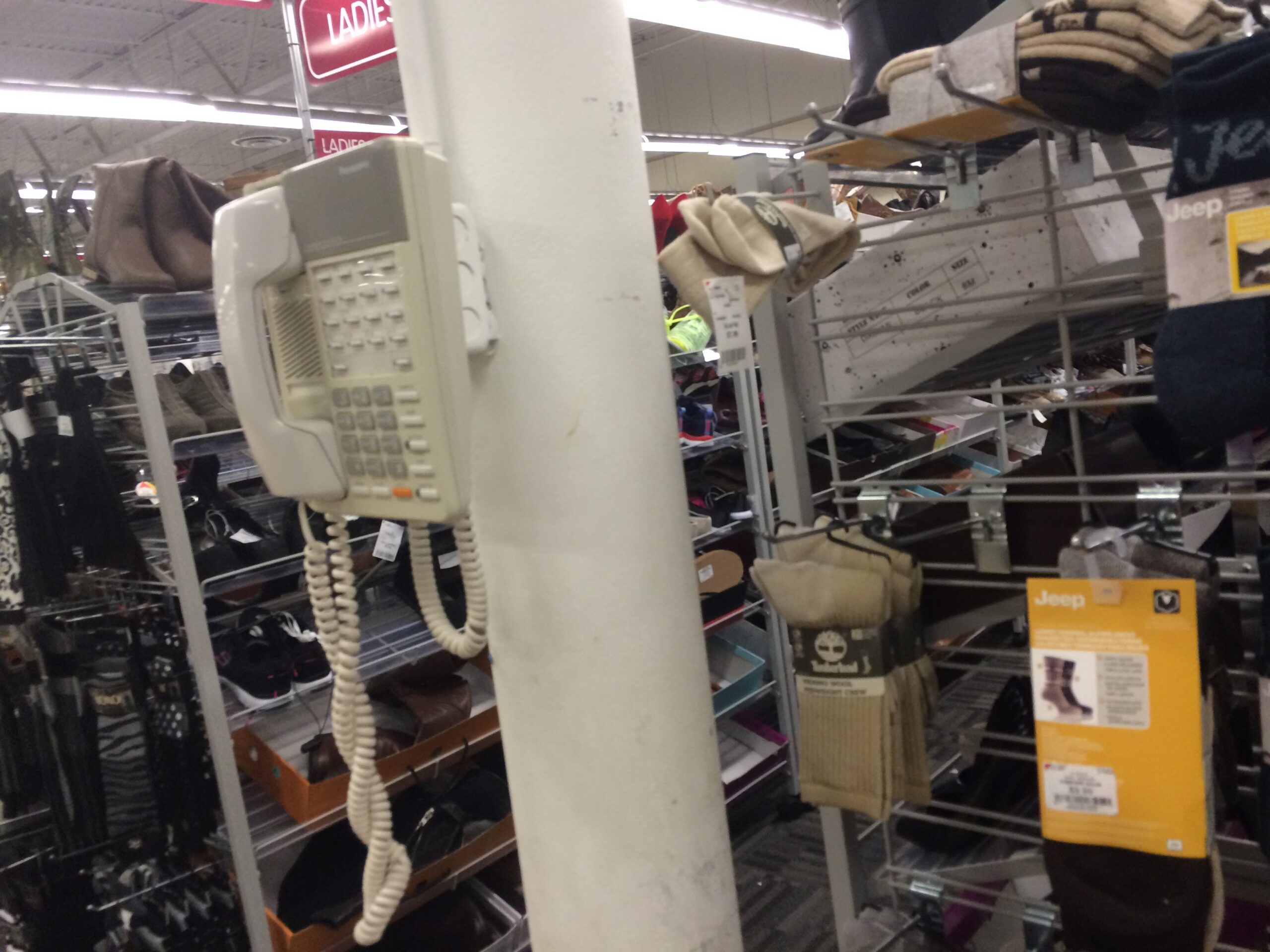
This Panasonic KX-T KSU telephone taken at my local Burlington Coat Factory. This is not to be confused with the DBS series that was on the market from the early 1990s to 2002. The KX-T systems replaced the DBS series (for reasons that isn’t well known), despite being the market for about the same time.

You wonder why there’s two handsets cables? I bet the sub/contractor didn’t have a replacement line cord and apparently terminated the cord with an RJ-11 plug, I suppose? Regardless, that other handset cable is serving as the line cable.

My Collection: Polycom SoundStation

DSC_1886

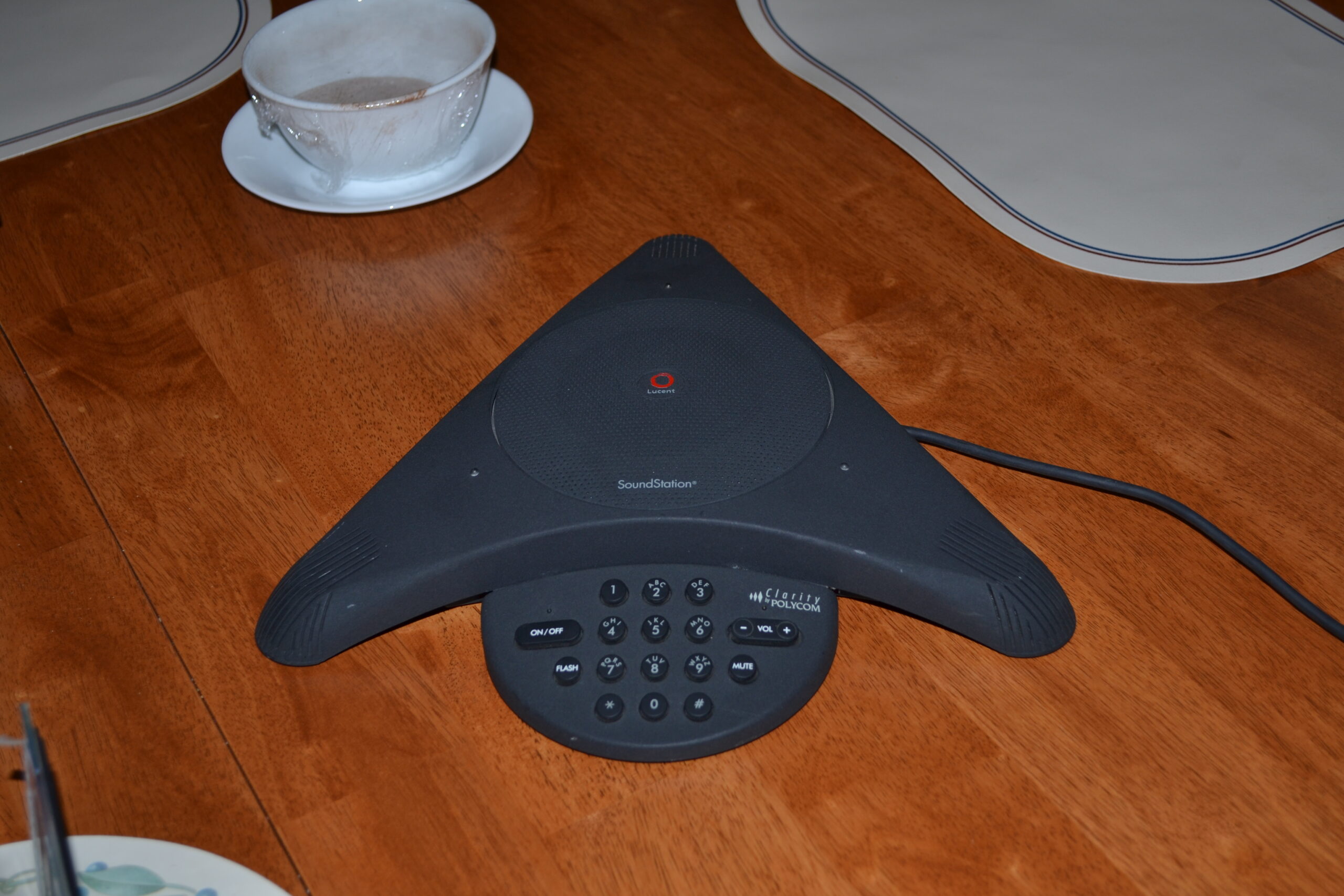
Hey Polycom from 2012, I’ve been looking all over my network for you! How have you been? 

This supposed to be the original photo for my SoundStation but decided to take a picture of late. This one taken in 2012 was more picture-esque and now I found it, I can move it over to the static page of my collection. This model was a private label for Lucent and is an analog set that can be used in POTS or analog lines in a PBX or Key setups.

Video: Nortel Meridian M9617 POTS Telephone


Thanks to Joe the UCX Guy who contacted me offline to offer one of his two sets he had. According to his post, “A friend sent me this set, and it works, although it’s a bit strange, the volume on the handset is really low on both lines.  Hands free is loud and clear but the handset is quite low volume.”

These sets were basically NOS or perhaps “New Old Stock” because he had opened them recently.

He tried to install the app on a  Windows 10 PC to no avail. Well there is such thing as virtualization and running older operating systems.

This video features the unboxing. The next video I’m trying to shoot for tomorrow, the 19th, where I will literally try to install the application per to Nortels specifications (I’ll try it on NT Workstation 4, with 8MB ram, 10MB harddisk and USB, TAPI, and all the other fun stuff for it to work and run it on Fusion on my Mac mini. I will say it will sure be fun to try!)

Without forgetting, Thank You!

My Collection: Mitel 3300 and IP Phones!

This sudden surprise came to me from Jason, the same one that gave me his old G3 PBX. This time it was a Christmas present for me. I really appreciate it. I got less than a 36 hour notice a package would come via UPS to my doorstep, to find out he had an extra Mitel system.

Without going into details, the system arrived Wednesday, the 2nd. I got a completely full fledged system capable of voice mail, auto attendant, analog trunking and what seems to be a dozen IP phones.

I decommissioned a Nortel POE switch I had for over a year to get a Cisco POE switch (since you know its best to have “Cisco all the way” – especially when I’ve made an aggressive move to use VLANs.) Simply put, to reduce manual labor of programming VLANs on Cisco Phones, it’s best to use a Catalyst Express 520 and enable CDP at the Cisco router so the PC traffic can talk to the other 12 ports and the VOIP talk to the other 12 ports. Makes life a lot easier especially when I’m introducing internet hosting to the network (next year’s project.)
 

The package came on the day that it happened to rain for the first time in years (sarcasm implied.) The UPS folks were too lazy to put the system in the proper baggy, and the package was damp, and the control unit (on the bottom) was about to break open. Factor the raw cold air, I left it downstairs for a few hours.
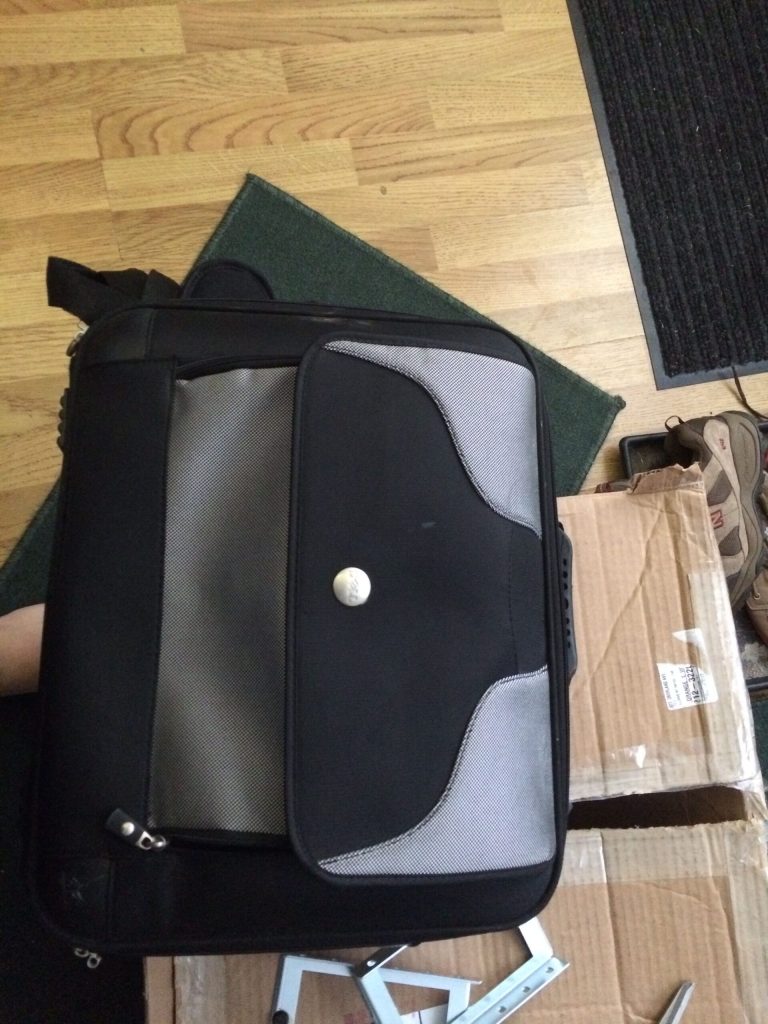
Using an old laptop bag for packaging material is pretty genius! (And you can’t have too many laptop bags!) On the bottom is the rack ears, which I may actually bring the Mitel over to the server barn (i.e. a small rack in the family room.)
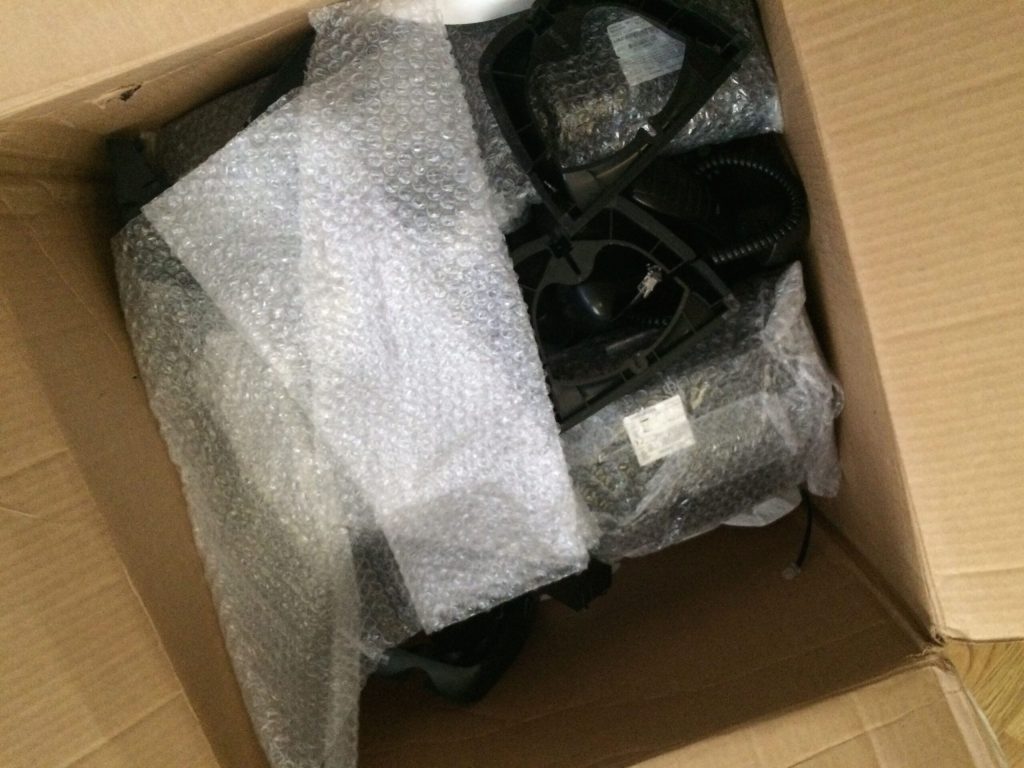
A bunch of Mitel IP phones, I had some extra handsets, wonder if they can work on the headset jack for “training” uses, you know, hehe?
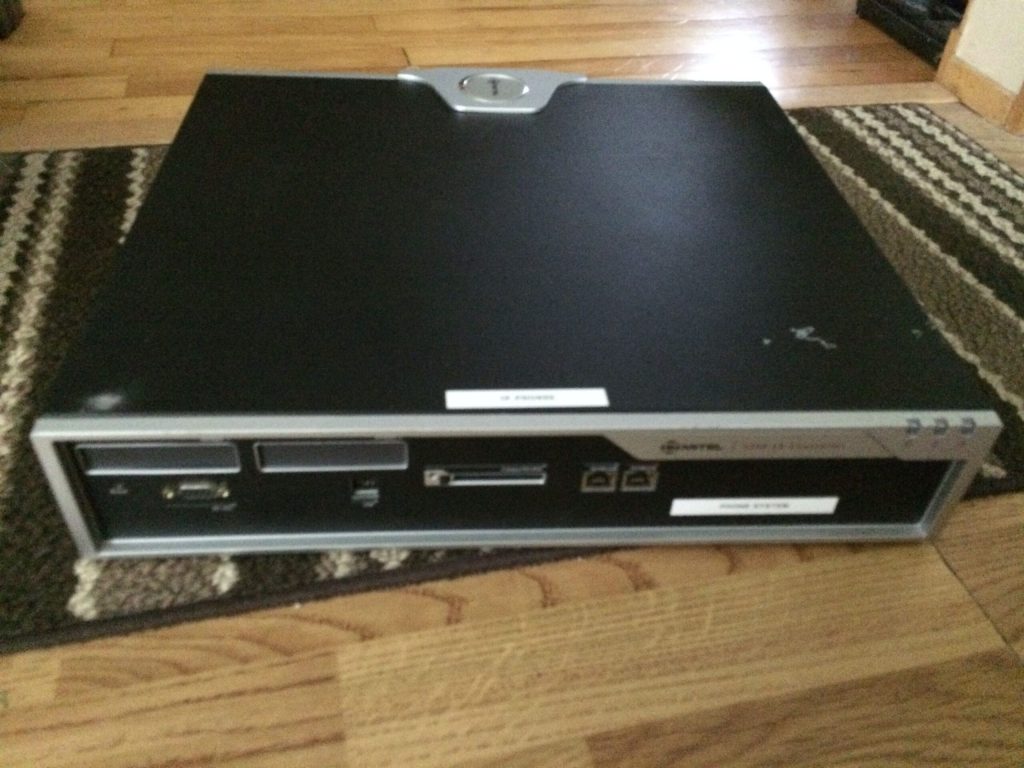
The basic Control Unit, without digital boards (in the front panel.) I’ve yet to open up the system because I believe its screwed shut, and I just found time to blog on this – as I haven’t gotten into the inside – yet.

Not sure if I have the formal OK to post this image from a private email from Jason, here is an inside of his he took for me to see.
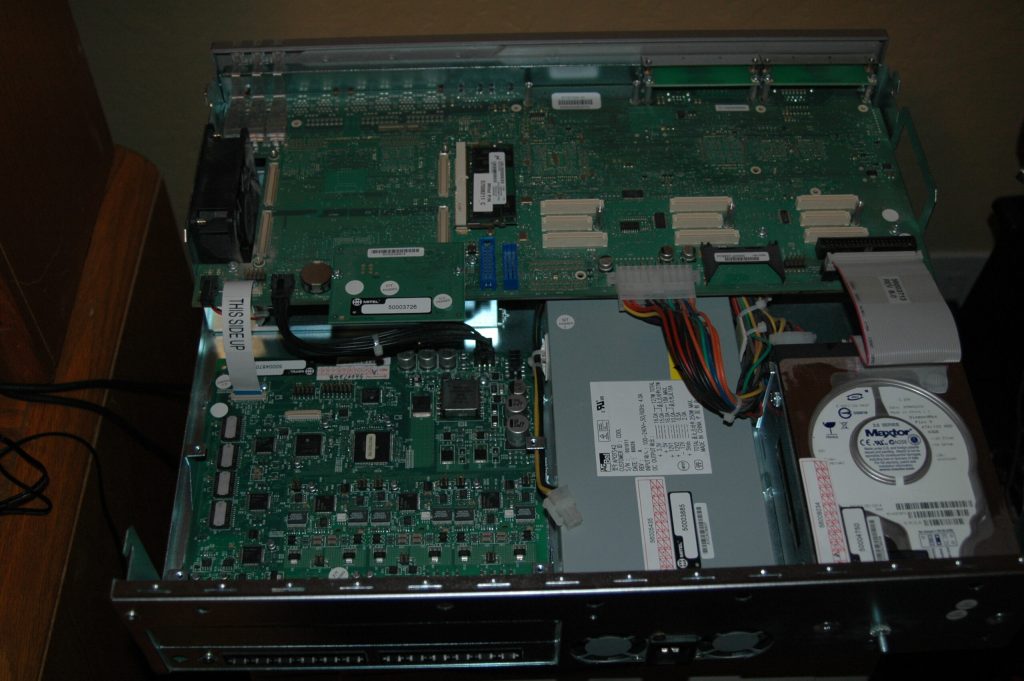
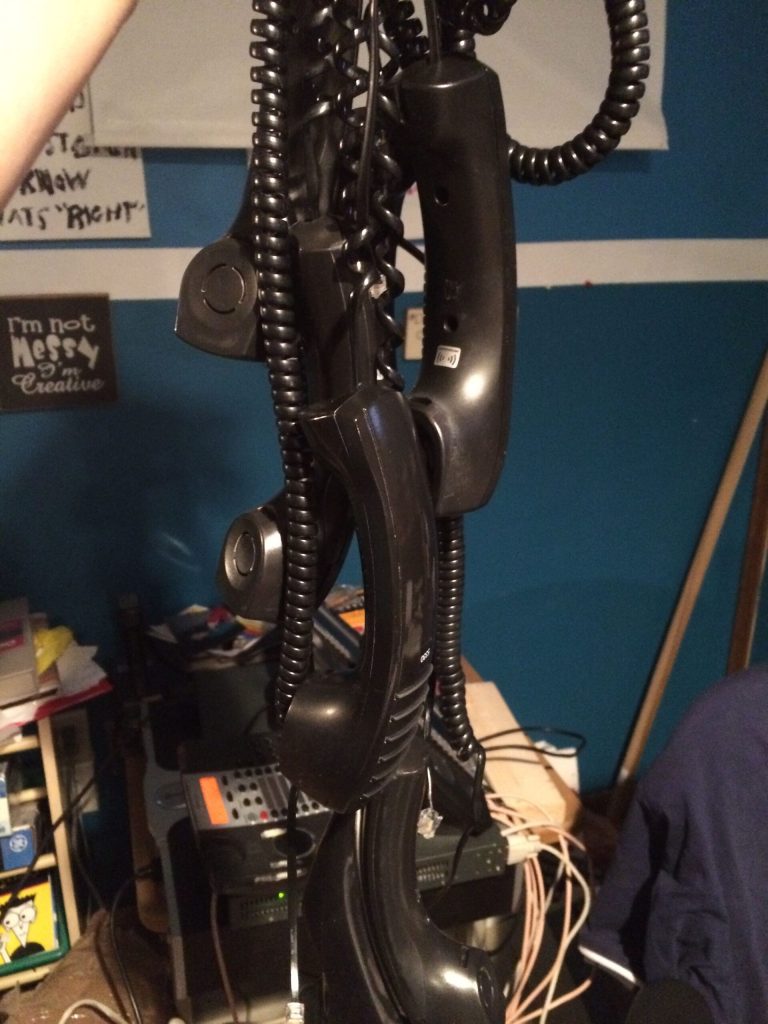
This looked a little artsy.

I did get more handsets than telsets, and the box could’ve held about 12 Mitel IP sets. Mitels are cool in the design because the way they made it low profile. The sets are heavily curved, so a 7″ deep set of a modern Mitel equates to a 8″ of a traditional boxy telset. (These in fact remind me of the Merlin style believe it or not.) This also comes from the same vendor that made some really odd looking sets in the late 80s, ones I haven’t taken photos of. Mitel also made some really odd looking first gen screen phones. I don’t have a picture handy, and I think it’s best to try to let it rot and not put it on the Web.

Setting up the Mitel was really easy, given the dependency on an old version of Internet Explorer (the admin is about a decade old when IE 6 ruled the world – don’t blame me for vendors creating apps just for Microsoft!) and navigating through its prompts I was able to create a dial plan, figured out how to set up the phone’s line appearances, etc.
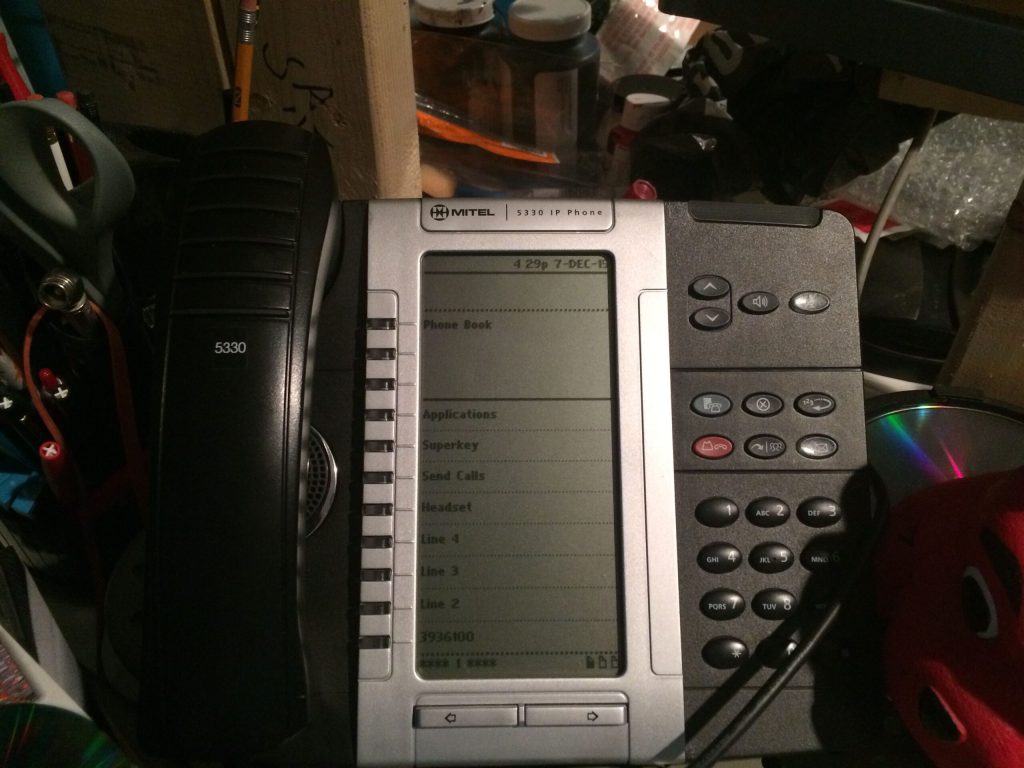
 

I got a few 5330s, their screen based sets. They are similar to Avaya’s 960x series, to not fully alienate traditional desktop users. The main information is on the top, and the lines and feature are below the solid black line. Page up through 3 pages and you can have up to 24 features and lines. (From my experiences, you can’t go beyond 4 call appearances -sometimes called “Multicall” on Mitels, but there maybe a loophole with bridged appearances.)

(You wonder how come I have “Send Calls” on the screen? Simple, you can rename feature keys or anything for that matter, which is good if you cutover from one vendor to another and try to mitigate retraining… wait, IT guys ask what is “training”?)

A caveat I learned was the blue button known as the Superkey does not work like other Mitel sets. For these 5330s, you have to program a feature button also known as a Superkey to change ringers, and other settings – for me it’s a little weird. Hardware specific on the 5330s is done on the actual blue key – which to others could be mistaken as a Superkey.

Despite other oddities, the system compensates it with very feature rich functions on the sets themselves. If you don’t get through to another user, you can activate their MWI by pressing your VM access key while ringing – which is kinda cool.

—

This is an incomplete post with more pictures and video to follow.
My Collection: Princess Telephone

That $1 telephone I mentioned earlier was this guy (or girl)

If you know the history of Western Electric telephones from the late 60s, the Princess was basically marketed to women. This would be the first “chick phone”, way before the days of the RAZR, and other girly phones I have forgotten since the last decade.

The thing is so beaten up. The base is cracked, the bottom surface is breaking off and it doesn’t have the “Princess” logo on the bottom like other sets.

This is the same green colored phone similar to the 500 set that I got around 2008.

My Collection: Bells to a Bell Telephone

I went to the Londonderry Flea Market (formerly known as Londonderry Gardens at the time) and found a vendor who had scrap phones for sale. I was able to get a couple bagfuls for about $25 and another telephone for $1. Not bad.

In this picture, I got a ringer. It looked like it came off a 564, which I did buy a set with it’s own ringer. I wanted to use this set of bell to make my own ringer to alert me outside a call is coming in.